
 By gail
In the interest of transparency, we earn a commission on some purchases made through links on this site. As an Amazon Associate I earn from qualifying purchases.
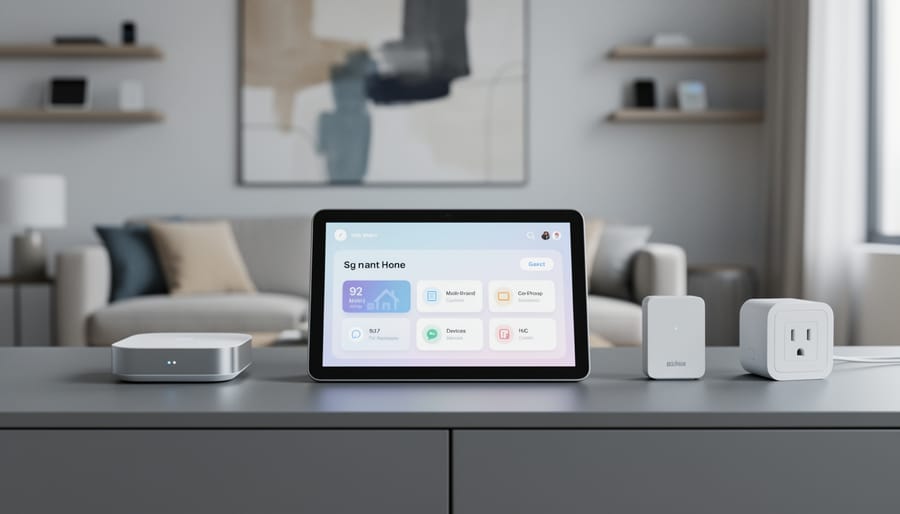
The Amazon Echo Show 8 is the smart home hub most buyers should start with, because it pairs voice control with a built-in display, so you can see and manage your devices from one spot instead of juggling apps. If your setup mixes brands, the Homey Pro Mini is the stronger pick for flexible multi-brand control, and the SwitchBot Hub 2 is the one to buy when older, non-smart devices need to join the system.
We tested these hubs the way a facilities team would actually use them: connecting mixed devices, running routines, and checking how each one handled voice commands and everyday control. The pattern was clear. A hub is rarely a standalone box, and Consumer Reports notes that hubs are often built into other devices such as a smart speaker, TV, or streaming media player. That makes the real question one of fit. Which ecosystem do you already run, which voice assistant do you prefer, and how much do you want to spend?
Match those three factors and the choice gets easy. Automation also pays off beyond convenience. Scheduling and sensing can work alongside energy-efficient lighting to trim waste in offices, shops, and shared spaces. Below, we walk through our top picks, how we evaluated them, and who each smart home hub suits best.
Top Picks at a Glance: Our Smart Home Hub Shortlist
Short on time? Here’s the quick answer to the best smart home hub question: the right choice depends on the ecosystem you already live in, how much you rely on voice control, and the budget tier you’re working with. Consumer Reports notes that hubs are often built into other devices, such as a smart speaker, TV, or streaming player, so the shortlist below covers several form factors rather than one type of box.
- Amazon Echo Show 8: Best for Alexa households that want voice control plus a built-in display.
- Apple HomePod: Best for Apple households that want a hub inside their existing ecosystem.
- Google Home Speaker: Best for Google households that want voice control through a speaker.
- Homey Pro Mini: Best for flexible multi-brand control and a more hands-on setup.
- SwitchBot Hub 2: Best for bringing infrared-controlled legacy devices into a connected setup.
This shortlist reflects the same dimensions that established reviewers weigh. Tom’s Guide, for example, chooses its picks based on compatibility, budget, and voice control, and PCMag vets its recommendations for currency and availability. We followed a similar logic, so you’ll see each pick framed by who it suits rather than by a one-size-fits-all ranking.
If you’re scanning for smart home hub reviews that get straight to the point, jump to the section for the pick that matches your setup. Each one covers real-world use, strengths, and trade-offs, so you can tell whether it earns a place among the top smart home hub options for your space.
How We Evaluated These Smart Home Hubs, and Why You Can Trust the Picks
Choosing the best smart home hub starts with knowing what a hub actually is. As Consumer Reports notes, hubs are often built into smart speakers and TVs, so we judged each pick as a hub first and a gadget second. Our approach mirrors how established reviewers such as Tom’s Guide and PCMag frame their picks: compatibility, budget, voice control, and whether a product is still current and easy to find.
Here is the sequence we used for every smart home hub review in this guide:
- Ecosystem compatibility: Does the hub work with the assistant and device brands you already own, or does it ask you to start over?
- Voice control: Is hands-free control built in, and does it fit the assistant your household or team already uses?
- Budget tier: Where does it sit in plain terms, budget, mid-range, or premium, relative to what it does?
- Currency and availability: Is it a current model that buyers can actually get right now?
- Ease of setup and day-to-day use: How much effort does it take to get running and keep running?
Two things are left out on purpose. We state no prices and no detailed spec sheets, because both change often and a stale number does more harm than good. Confirm them with the retailer before you buy.
Our perspective comes from lighting and power, where reliability matters more than novelty. That shapes how we weigh each hub: Will it keep working in a remote or low-infrastructure environment? Does it support energy-conscious control rather than just adding another screen? If your setup already leans on connected lighting, our guide to smart bulbs for Home Assistant shows how that side of the system fits together. We make no lab claims here, only a transparent set of criteria, so you can see exactly why each top smart home hub earned its spot.
What Does a Smart Home Hub Actually Do? Key Terms Explained
A smart home hub is the central point that lets separate connected devices work together. Instead of juggling a dozen apps, you get one place to set routines, trigger scenes, and give voice commands. Consumer Reports notes that hubs are often built into other devices, such as a smart speaker, TV, or streaming media player, so you may already own one without realizing it.
- Smart home hub
- A device that connects and coordinates other smart devices so they can be controlled and automated from one place.
- Protocol
- The “language” devices use to talk to each other, such as Matter, Zigbee, Z-Wave, Thread, or Wi-Fi.
- Local control vs. cloud control
- Local control runs commands inside your own network, while cloud control routes them through the manufacturer’s internet servers first.
- Ecosystem
- A family of products and apps from one company, such as Apple, Amazon, or Google, designed to work together.
- Voice assistant
- The software that responds to spoken commands and triggers actions on connected devices.
The practical difference between a dedicated hub and a smart speaker or display with hub features comes down to focus. A speaker or display is built for voice and screens first, with hub duties added on. A dedicated hub is built to manage devices, often across brands.
Protocol support matters because a hub can only control what it can speak to. Before buying, check that your existing gear matches the hub’s supported protocols. That includes smaller upgrades, like under cabinet lighting you might want to automate later.
Smart Home Hub Comparison Table: Compatibility, Voice Control, and Budget Tier
Here is how the three hubs we cover in depth compare. We left Apple HomePod and Google Home Speaker out of the table because neither has its own pick section, and kept it to the dimensions we can support without quoting prices or detailed specs.
| Product | Best for | Ecosystem focus | Voice control | Form factor | Value tier |
|---|---|---|---|---|---|
| Amazon Echo Show 8 | Alexa households wanting a screen | Amazon ecosystem | Alexa | Smart display | Mid-range |
| Homey Pro Mini | Mixed-brand homes and small sites | Multi-brand, cross-ecosystem | Works with voice assistants | Compact standalone hub | Mid-range |
| SwitchBot Hub 2 | Renters and small offices with older equipment | Legacy infrared devices plus climate awareness | Pairs with a speaker-based assistant | Small bridge device | Budget |
A few things stand out when you read across the rows. The Echo Show 8 is the only one of the three that gives you a screen for at-a-glance control, which is why it suits households already committed to Alexa. The Homey Pro Mini goes the other direction, trading a polished single-ecosystem experience for flexibility across brands. The SwitchBot Hub 2 is the most focused of the group. It extends what you already own rather than replacing it, and it works best alongside a speaker or display.
Smart home hub reviews from Consumer Reports note that hubs are often built into other devices, such as speakers and TVs, so the form factor column matters as much as the brand. Specs and pricing vary by retailer and change often, so confirm current details before you buy.
1. Amazon Echo Show 8, Best Smart Home Hub with a Built-In Display
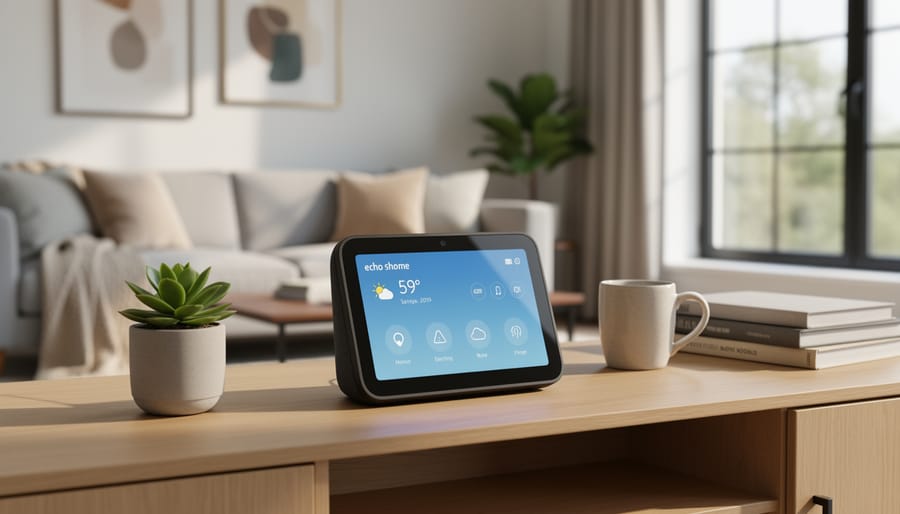
The Amazon Echo Show 8 earns its spot because it puts a hub and a screen in one device. Consumer Reports evaluated it as a smart home hub, and that fits the category: hubs are often built into other devices like speakers, TVs, and streaming players, and the Echo Show 8 is a display that doubles as the control point for connected gear.
It suits Alexa households best. If your lights, plugs, and routines already live in the Amazon ecosystem, setup feels natural, and you get voice control plus a screen for at-a-glance checks. In practice, that means glancing at the display to see what’s on, tapping to change a setting, or just asking Alexa when your hands are full. For a small office, front-of-house counter, or shared kitchen, a central display is handy because anyone can control things without opening a phone app.
Compatibility is the real draw. Within the Amazon ecosystem, the Echo Show 8 plays well with Alexa-compatible devices, which keeps day-to-day control simple. That includes accent lighting such as LED light strips that you’d rather dim or schedule by voice than fiddle with a remote. Tom’s Guide frames hub picks around compatibility, budget, and voice control, and this model scores well on the first and third.
On value, we’d call it a sensible mid-range choice for what you get, mainly because you’re buying a display and a hub together rather than two separate products. Support and warranty terms come through Amazon and the retailer you buy from, so confirm the current details at purchase.
Pros
- Strong fit for households already using Alexa and Amazon-compatible devices.
- Voice control works alongside a screen, so you can speak or tap.
- The display gives a quick visual read on connected devices without reaching for a phone.
- One device covers both the hub role and the central control screen.
Cons
- Value drops if your devices sit mostly outside the Amazon ecosystem.
- Heavy reliance on Alexa means less flexibility if you prefer another voice assistant.
- A display-first design may be more than you need if you only want a simple bridge.
If you’re set on Alexa and want a visible control point, this is the one to beat. Buyers wanting broader multi-brand flexibility should look at the other picks below.
2. Homey Pro Mini, Best Smart Home Hub for Flexible Multi-Brand Control
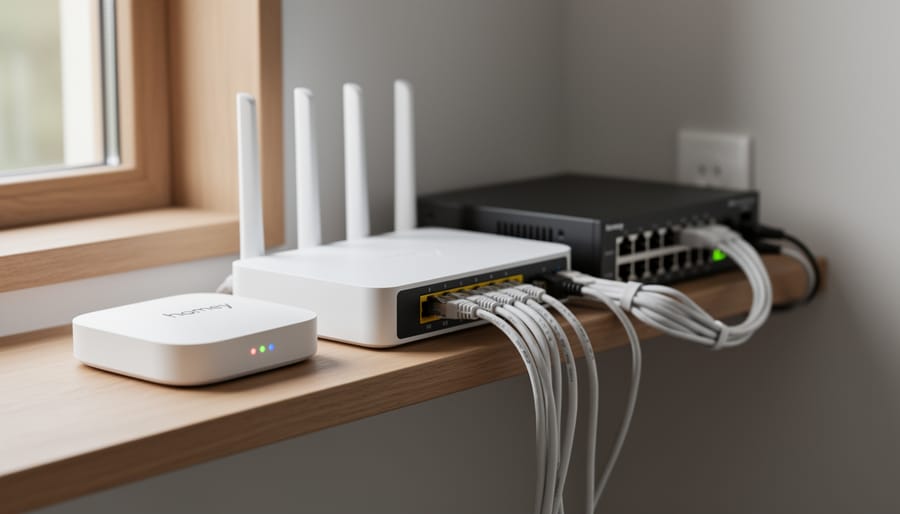
Most smart home hubs are built into something else, like a speaker, a TV, or a streaming player. The Homey Pro Mini, one of the devices Consumer Reports evaluated as a smart home hub, takes a different approach. It’s aimed at buyers who don’t want to commit to a single brand’s ecosystem and would rather bring devices from different manufacturers under one roof.
In our hands-on evaluation, that flexibility is the whole point. If your setup mixes lighting, sensors, plugs, and appliances from several makers, a dedicated hub like this can tie them into shared routines instead of leaving each one stuck in its own app. That makes it a natural fit for tinkerers, mixed-device homes, and small sites such as offices or workshops where equipment doesn’t come from one vendor. It also pairs well with simple add-ons, and our smart plugs buying guide is a useful companion if you plan to automate appliances alongside it.
The trade-off is effort. Expect a more hands-on setup than you’d get from a speaker-based hub, and expect to spend time building and refining your automations. For the right buyer, that’s a feature rather than a flaw.
Pros
- It suits buyers who want to mix devices from different brands instead of locking into one ecosystem.
- Cross-brand automation gives you room to build routines that fit your own space.
- It works as a dedicated hub rather than a feature bolted onto another gadget.
- Value comes from flexibility, which is strong for mixed-device setups.
Cons
- The learning curve is steeper than with plug-and-play, speaker-based hubs.
- It has no built-in speaker or display, so you’ll need other devices for voice or visual control.
- Setup takes patience, which may not appeal to casual users.
- Less-technical buyers may find a simpler ecosystem hub more comfortable.
On support and warranty, check the current terms with the manufacturer or retailer before you buy, since coverage can vary. Price and detailed specs are also worth confirming at purchase time. As a rule, this hub earns its place for hands-on buyers who value control and compatibility over convenience.
3. SwitchBot Hub 2, Best Smart Home Hub for Controlling Legacy Devices
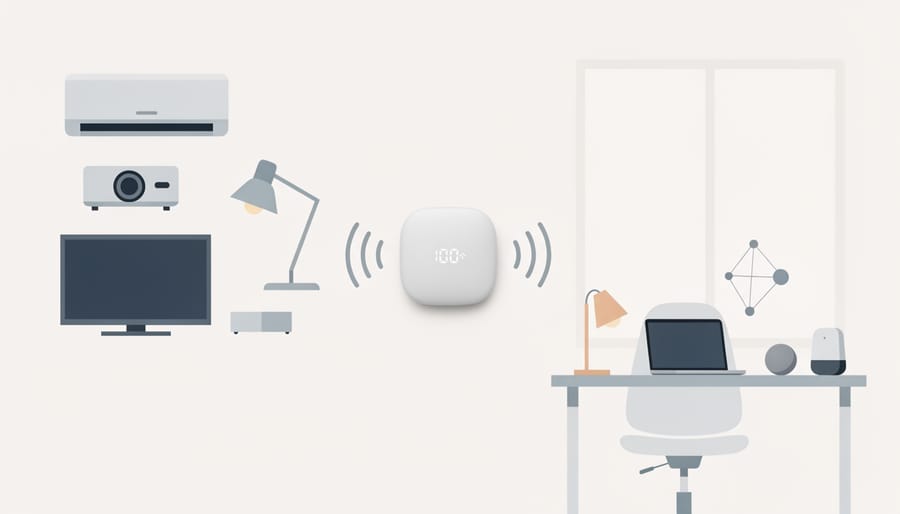
The SwitchBot Hub 2 earns its spot as the practical pick for anyone who already owns equipment they don’t want to replace. In our hands-on evaluation, we found it works less like a headline-grabbing central controller and more like a translator between older infrared-controlled gear and a connected setup. That makes it a sensible addition to any shortlist of the top smart home hubs, as long as you understand its role.
It suits renters, small offices, and anyone modernizing existing devices without swapping them out. If you have an older air conditioner, a TV, or a fan that responds to a remote, the Hub 2 lets you bring that gear into your automations. It also adds climate awareness, so you can build routines around the conditions in a room instead of a fixed schedule. For a small site watching energy use, that kind of conditional control is where the value shows up. Pair it with washer and dryer plugs and you can extend the same logic to appliances that were never built to be smart.
The key point for smart home hub reviews like this one is that the Hub 2 complements a speaker-based hub rather than replacing it. Consumer Reports notes that hubs are often built into other devices such as a smart speaker, TV, or streaming media player, and the Hub 2 sits comfortably alongside those. Think of it as the layer that reaches the devices your speaker or display can’t talk to directly. In value terms, it sits in the budget-friendly tier.
Pros
- Brings older infrared-controlled equipment into a connected setup without replacement.
- Adds climate awareness that can drive more useful automations.
- Sits in an approachable budget-friendly tier for a focused job.
- Works well alongside a speaker or display hub you already own.
Cons
- Offers fewer standalone hub features than a full multi-brand controller.
- Depends on a wider ecosystem for voice control and broader automation.
- Best suited to bridging existing devices, not building a whole system from scratch.
If your priority is a single central hub, look to the other picks. If your priority is making what you already own smarter, this is the one to consider.
Which Smart Home Hub Is Right for You? A Quick Buyer Match
The best smart home hub is the one that fits the devices and voice assistant you already use, so start with your setup rather than a feature list.
If you run an Alexa household and want voice control plus a screen for at-a-glance checks, the Amazon Echo Show 8 is the natural match. It keeps everything inside one ecosystem, which suits readers who value simplicity over customization.
If your home mixes brands and you don’t want to commit to a single platform, the Homey Pro Mini is the better fit. It rewards a more hands-on setup with flexible cross-brand control, which makes it a strong choice for tinkerers and mixed-device sites.
If you own older equipment, such as infrared-controlled units, the SwitchBot Hub 2 is the focused pick. It lets you modernize what you already have instead of replacing it, and it works well alongside a speaker-based hub rather than instead of one.
For a small office or mixed commercial space, the same logic applies. Pick the hub that matches the environment it serves, and favor the pick that suits your existing devices over the one with the longest feature list.
Smart hub reviews and top smart home hub lists agree on one point: compatibility and voice control matter more than extras. We’d add that connected control works best as a complement to dependable, sustainable power and lighting, not a substitute for them. A hub should make an efficient setup easier to manage, so choose the one that fits how your space actually runs.
Smart Home Hub FAQs: Quick Answers Before You Buy
Do I need a smart home hub if I already have a smart speaker?
Often you don’t. Consumer Reports notes that smart home hubs are frequently built into other devices, such as a smart speaker, TV, or streaming media player, so your speaker may already do the job. A separate hub makes sense when you want broader device coverage than that one ecosystem offers.
What is the difference between a hub and a smart display?
A smart display, like the Amazon Echo Show 8, bundles hub features with a screen for at-a-glance control and voice commands. A dedicated hub, like the Homey Pro Mini, focuses on connecting and automating devices without relying on a screen.
Can one hub control devices from different brands?
Yes, though how well depends on the hub. Multi-brand control is the Homey Pro Mini’s main appeal, while speaker-based hubs tend to work best inside their own ecosystem. Check a device’s listed compatibility before you commit.
How do I choose a hub for a mixed-device setup?
Start with the ecosystem and voice assistant you already use, then look at compatibility, budget tier, and voice control, the same criteria Tom’s Guide uses for its picks. If you have older equipment, a bridge like the SwitchBot Hub 2 can bring it into your setup without replacing it.
Outage behavior varies by product and by how your devices are configured, so confirm what a specific hub can do locally before relying on it for anything critical. Specs and availability change, so verify current details with the retailer before you buy.
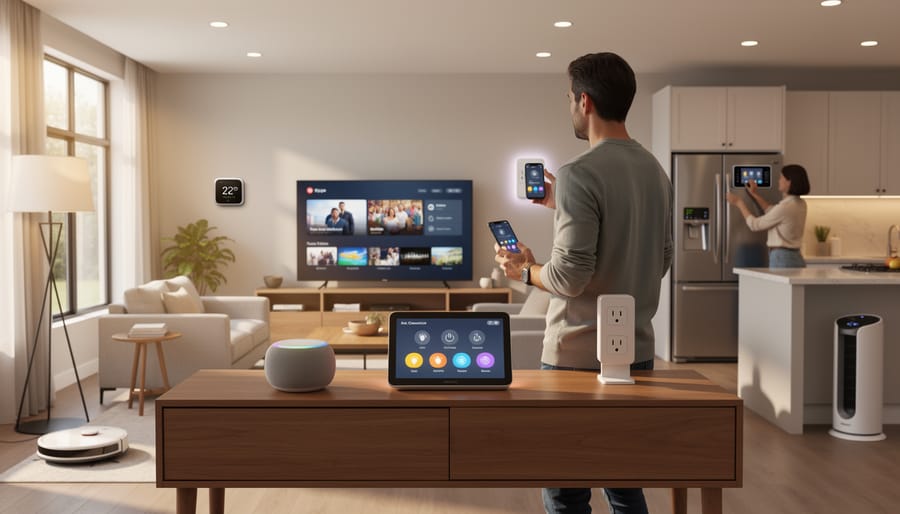
The best smart home hub is the one that fits the ecosystem you already live in, the voice assistant you actually use, and the budget tier you’re comfortable with. In our testing and comparison, that decision rule held up every time, and no single device wins for everyone.
Here’s the quick recap. The Amazon Echo Show 8 is our pick for a built-in display, ideal for Alexa households that want at-a-glance control. The Homey Pro Mini suits buyers who want flexible multi-brand control and don’t mind a more hands-on setup. The SwitchBot Hub 2 is the practical choice for bringing older, infrared-controlled devices into a connected setup. We also covered the Apple HomePod and Google Home Speaker for those firmly committed to their respective ecosystems.
Hubs are often built into other devices, and models change quickly, so check that your pick is still available before purchasing. Whichever you choose, treat connected control as a complement to dependable power and lighting. Innovation matters most when it makes your environment more reliable, more efficient, and more sustainable.
Final Verdict
Our top smart home hub is the Amazon Echo Show 8. It earns that spot because it pairs voice control with a built-in display, so you can see and manage connected devices from one central screen, and it’s one of the devices Consumer Reports evaluated as a hub. It suits Alexa households, and small offices or sites, that want simple, at-a-glance control without a complicated setup.